A toolchain your team can share
Define tools, dependencies, and setup commands in devcontainer.json. Create workspaces from the same versioned configuration.
Open developer workspaces
Desktop app or CLI. Build from devcontainer.json, run on your infrastructure, and connect with your editor.
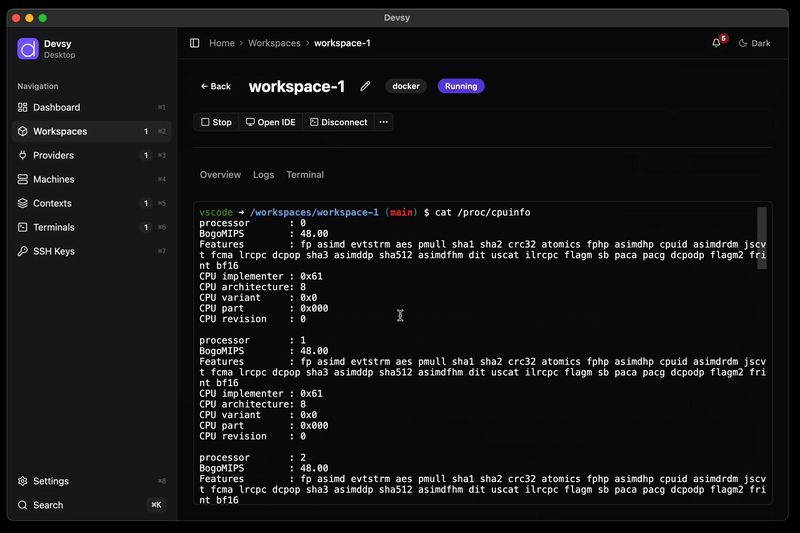
Desktop app CLI
Keep your development setup in the repository. Choose the infrastructure and editor that fit the work.
Define tools, dependencies, and setup commands in devcontainer.json. Create workspaces from the same versioned configuration.
Use local containers, an SSH host, Kubernetes, or a cloud machine. Providers handle the backend, and you can write one for your own platform.
Connect VS Code, Cursor, Zed, or a JetBrains IDE to your workspace. SSH access also works with other remote development tools.
Publish prebuilds for complex environments. Configure inactivity timeouts to stop idle workspaces using your provider's lifecycle controls.
Run coding tools in a dedicated development environment, using the same workspace definition as your team.
Create separate workspaces from your repository's devcontainer.json, with the tools and dependencies your coding tasks need.
Choose which credentials to forward and review the workspace configuration. Code inside a workspace can use the access you grant it.
Credential controlsStart, stop, recreate, or delete workspaces from the desktop app or CLI. Choose a provider that fits the resources and isolation your task needs.
Choose a provider for local containers, shared infrastructure, or a cloud machine. Your repository keeps the workspace definition.
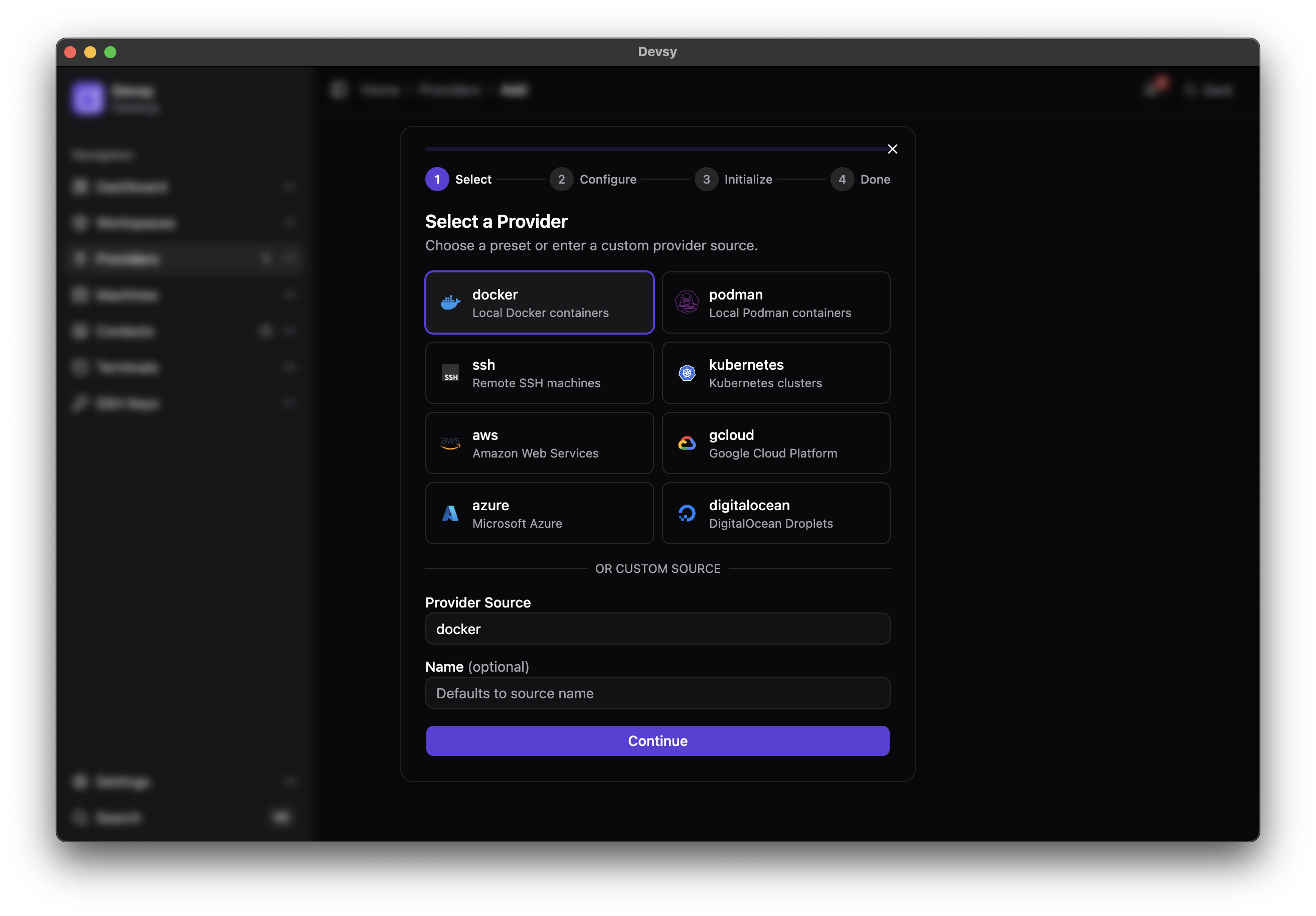
Devsy connects each developer's local IDE to the infrastructure where work runs.
Commit a devcontainer.json alongside your source. It describes the tools and dependencies your whole team shares.
Add Docker for local work, or configure a provider for Kubernetes, a cloud machine, or an SSH host.
Start a workspace from your repository and open it in your editor. Devsy manages the connection to the environment.
Try the Node.js devcontainer example with local Docker and VS Code:
devsy provider add docker
devsy workspace up github.com/microsoft/vscode-remote-try-node --ide vscodeGet hands-on help to standardize your development environments, from a focused audit to a full rollout and ongoing support.
A focused review of how your team onboards and runs environments. You get a scored assessment, a ranked list of your top bottlenecks, and a working, standardized devcontainer for one repository. Fixed scope, fixed price.
We set up Devsy and devcontainers across your repositories. You get standardized toolchains, prebuilds, and local-to-CI parity, so every engineer ships from day zero.
Migrating off an abandoned tool, or want a maintained platform you can rely on? Get ongoing support, upgrades, and hands-on migration help.
Tell us where your dev-environment setup slows your team down, and we'll reply with how we can help.
Get Devsy as a desktop app or a command-line tool and launch your first standardized workspace.