

What is Devsy?
Devsy runs devcontainer-based developer workspaces on your machine, a remote host, Kubernetes, or a cloud.
Devsy creates development workspaces from a devcontainer.json that lives in your repository. A workspace runs as a container, a Kubernetes pod, or a microVM, and your IDE connects to it.
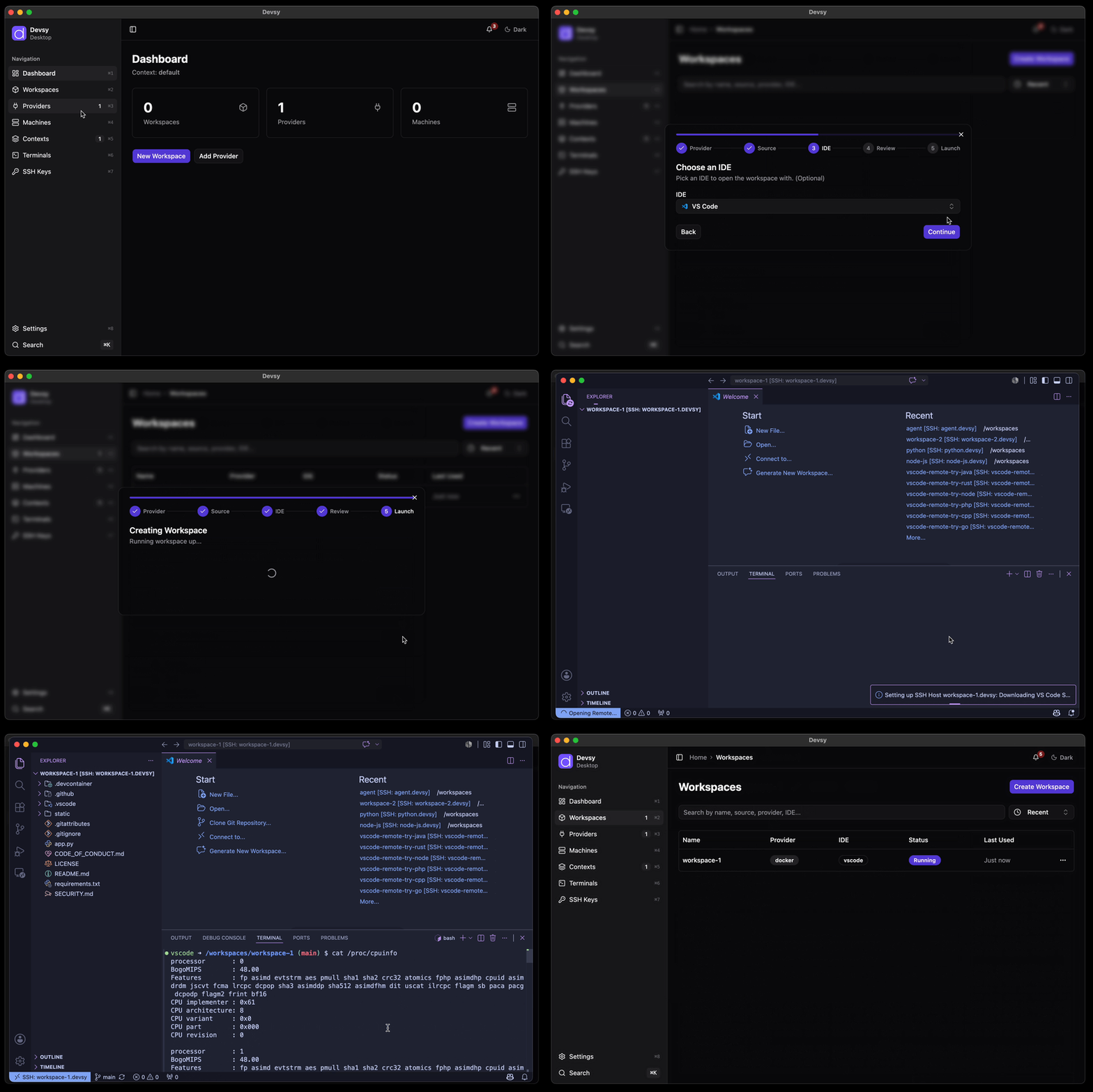
Where a workspace runs is decided by a provider. Use a provider for your own machine, an SSH host, Kubernetes, or a cloud. You can also write your own. Every workspace is created and managed the same way regardless of provider.
Why Devsy?
- One environment definition.
devcontainer.jsonis the open standard, so the same file works on every provider. - Your infrastructure. Run workspaces on machines you already pay for. Machine providers can stop idle machines with an inactivity timeout.
- No lock-in. Recreate a workspace on another provider with the same definition. Transferring container and volume state requires a snapshot; a metadata-only import does not copy that state.
- Your editor. VS Code, the JetBrains IDEs, and any editor that can connect over SSH.
- Desktop app and CLI. The desktop app is for everyday use. The CLI is for automation.